· 4-minute read
Wi-Fi in a big flat: where the router goes and when you need mesh
Concrete and stone walls weaken a Wi-Fi signal fast. Our installers’ rules on where the terminal goes, the two bands and how many mesh units a flat needs.
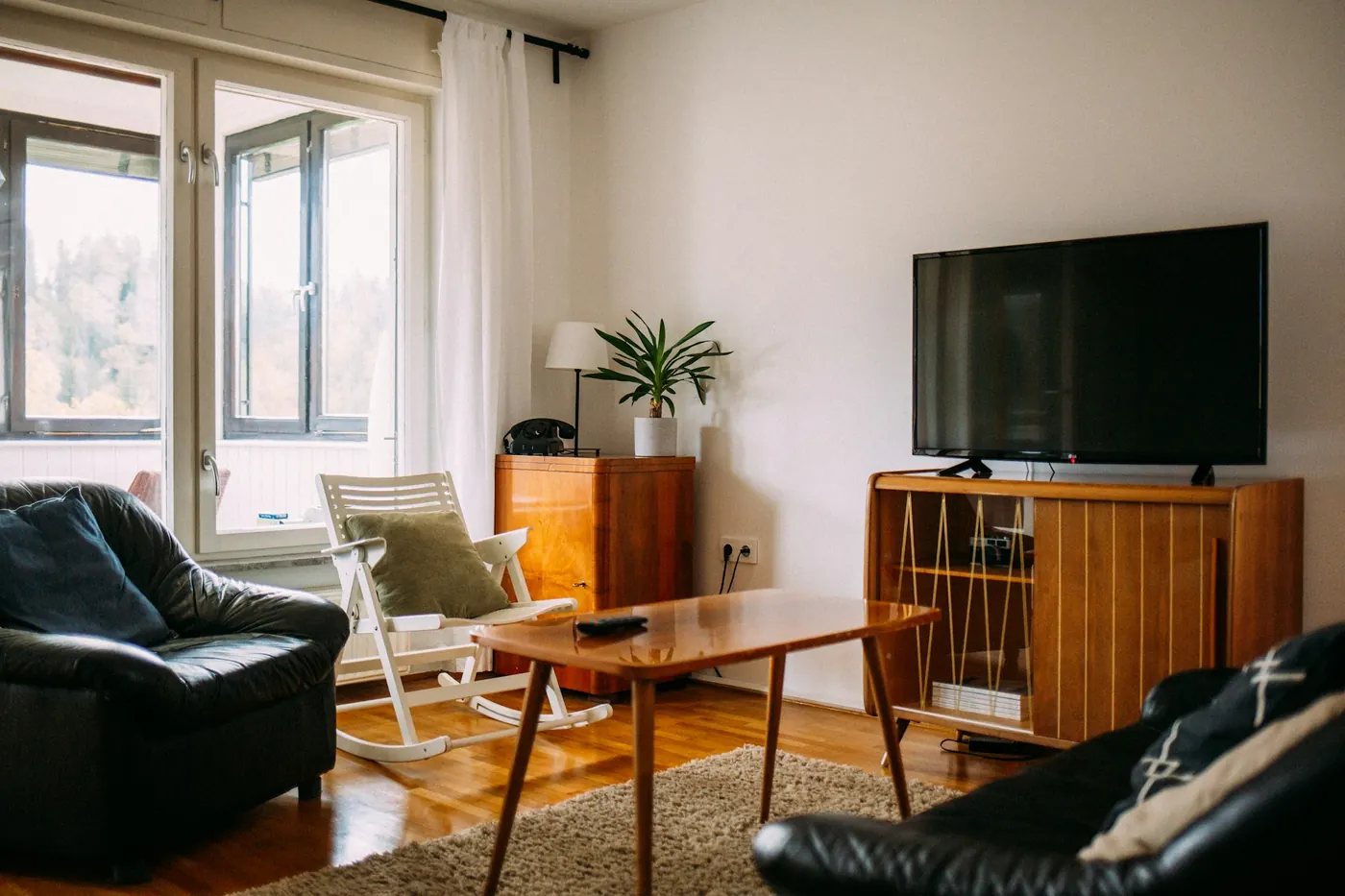
Where the terminal goes
- Near the middle of the flat, on an open shelf, 1–2 metres above the floor.
- Not inside a cupboard, behind the TV, in a metal box or next to a mirror.
- Ask the installer to put the terminal near the rooms rather than at the front door: choosing the spot at the first visit costs nothing.
2.4 and 5 GHz
The terminal sends out two networks. 5 GHz is fast but fades quickly through walls. 2.4 GHz reaches further but is slower, and in a block of flats it shares channels with the neighbours’ routers. Keep the TV and laptop near the terminal on 5 GHz and the devices in far rooms on 2.4 GHz.
When you need mesh
Makers measure coverage in open space: TP-Link gives up to 232 m² for one Deco X50. In a flat with concrete walls our installers count differently: a Wi-Fi 6 terminal covers about 90 m², and each Deco X50 adds 70 m². A two-floor flat always gets one unit upstairs.
- 75 m² at 500 Mbit/s: the terminal is enough.
- 140 m², four rooms: the terminal and 1 Deco X50.
- 220 m² on two floors: the terminal and 2 units.
Link the units by cable
The Deco X50 has three gigabit ports. If the flat has network cable in the walls, connect the unit by cable: the link between units then takes none of the radio, and all of the Wi-Fi is left for your devices.
More articles
All articles
· 5-minute read
How much speed does a family need? Count the evening hour
Choose a speed not by how many people live at home but by what runs at the same time in the evening, when everyone is in. The rule, and three families worked out.

· 4-minute read
GPON or FTTB: which line reaches your building, and the difference
Either way the fibre reaches the building. The difference is in the last metres: fibre into the flat, or copper cable. That is also what sets the top tariff.

· 3-minute read
Moving home without losing the line: when to tell us
The internet works at the new address 3 working days after the moving request. What to do before you pack, and what happens on the day.